SpectrumOS

SpectrumOS 1.1 · Arch Linux · Hyprland

Work. Play.
Defeat the Great Backlog.

An Arch Linux distribution with a cohesive, keyboard-driven Hyprland desktop for gaming, professional work, development and everyday life. One system for your code, your campaigns, and the suspicious number of browser tabs you call research.

x86_64 · 2.24 GiB · October 26, 2026

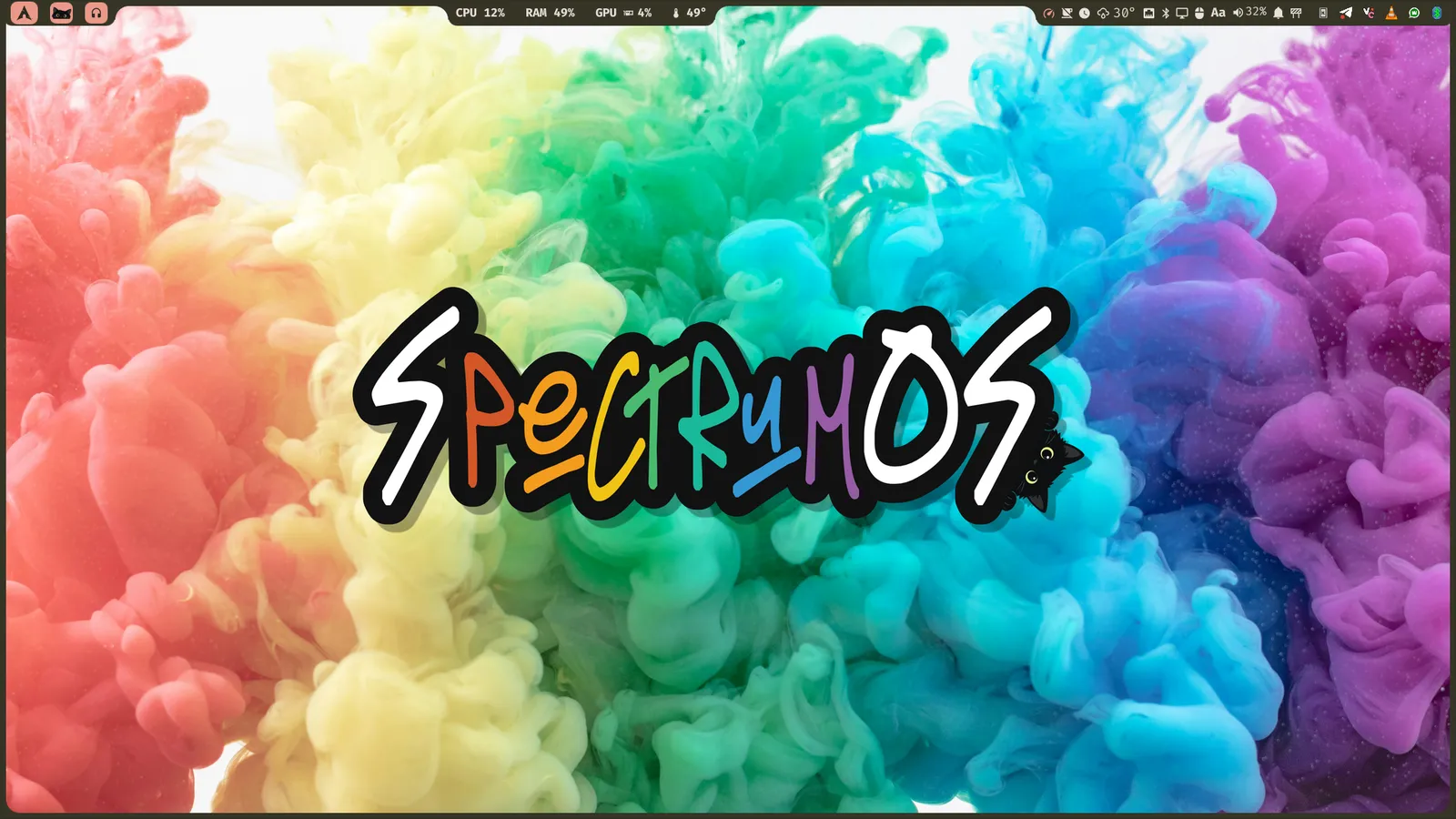
SpectrumOS desktop with a rainbow smoke wallpaper, the SpectrumOS wordmark and the top bar

Colors

Your wallpaper, your world.

Change the wallpaper and the desktop follows: shell, widgets, terminals and supported apps take on its colors. Go on — try it. This page follows too.

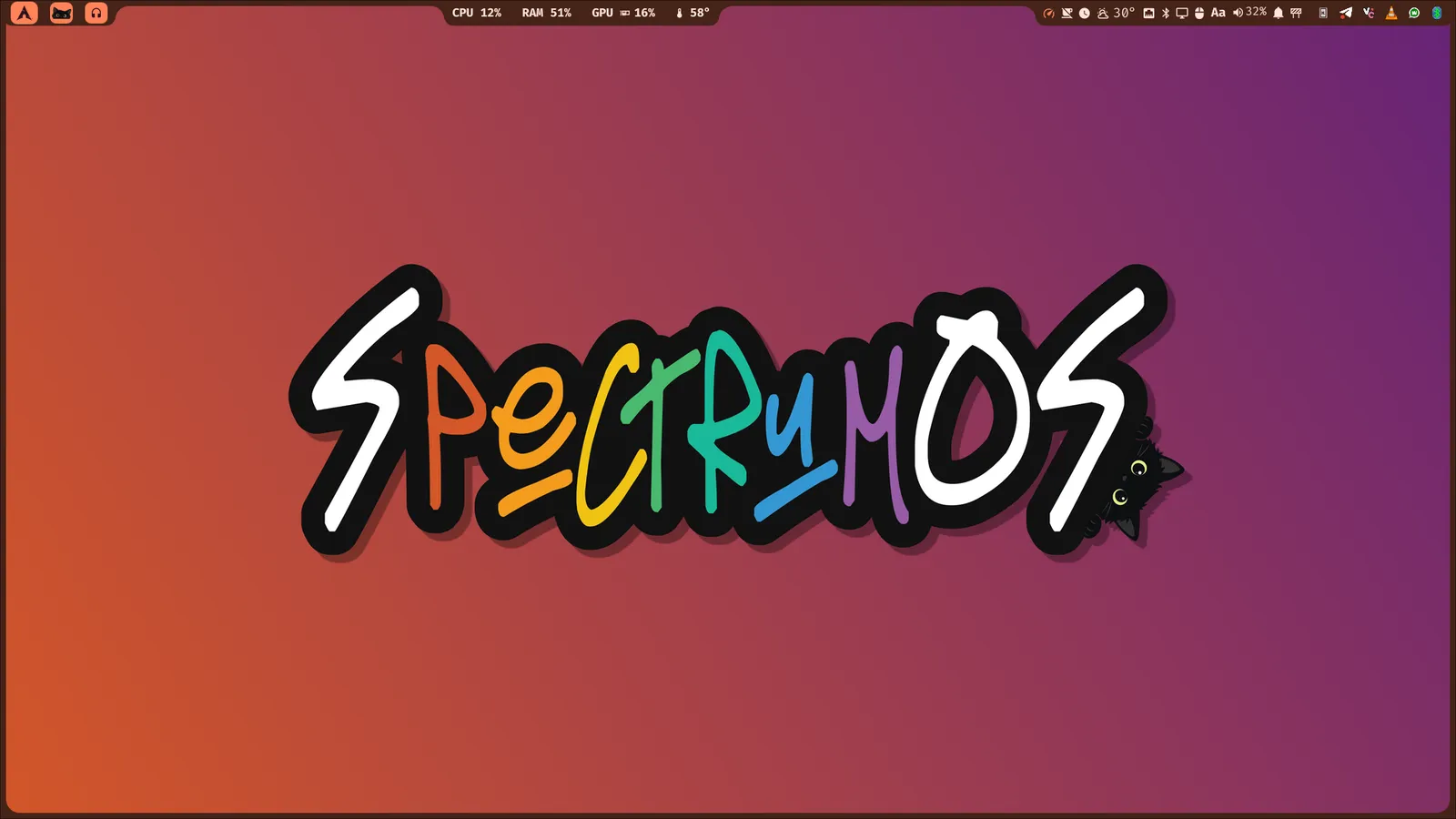
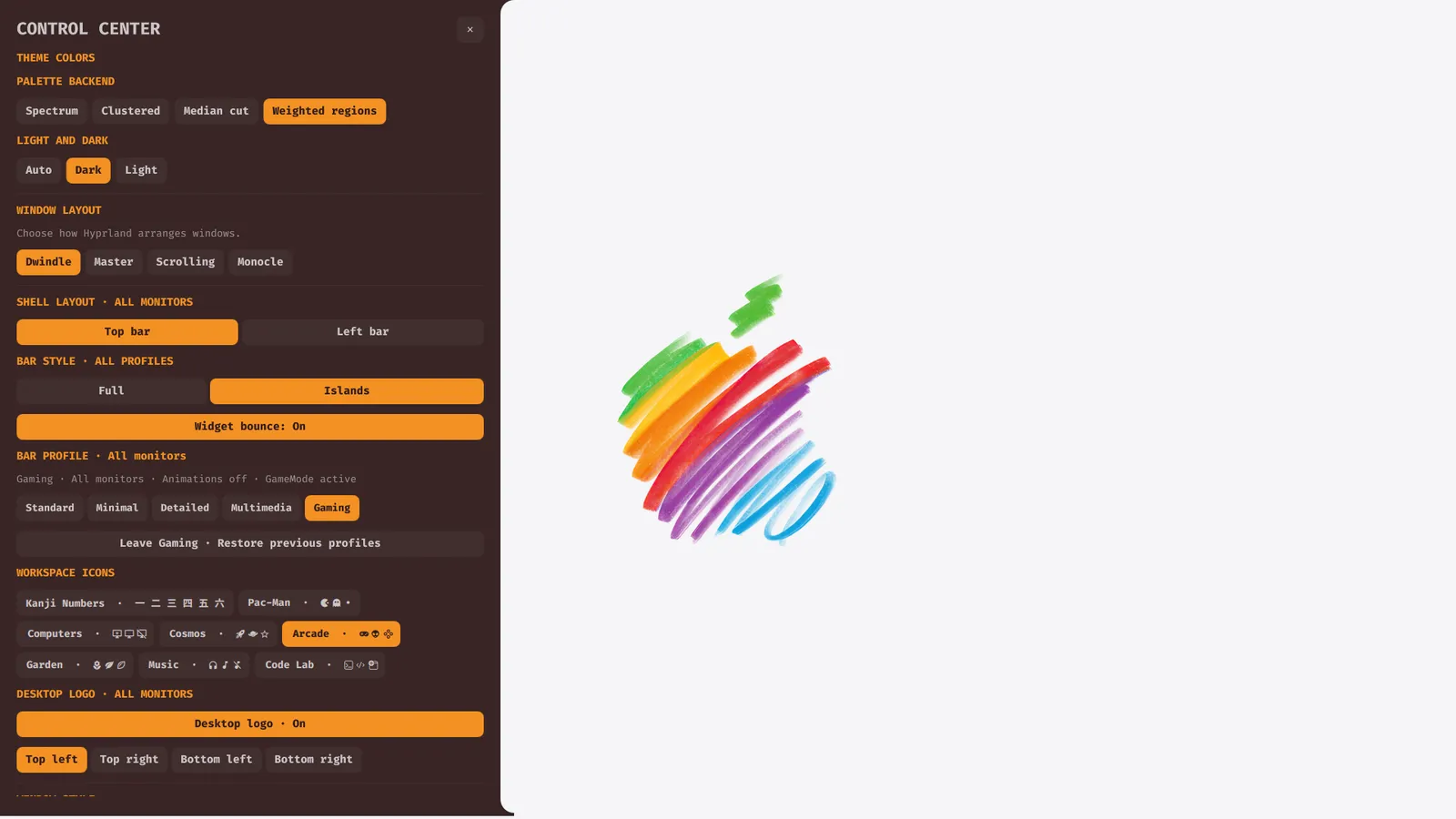
SpectrumOS with a warm wallpaper and matching orange shell bar
Warm wallpaper. A shell to match.
  • 01

    Colors with a job to do

    Backgrounds, surfaces, text, accents, warnings and errors each get a role, with contrast correction for readability.

  • 02

    Hundreds of combinations

    Four palette backends, light or dark variants and Gowall filters such as Catppuccin, Nord, Gruvbox or Dracula.

  • 03

    The details follow you

    Spectrum logos, login, lock and boot appearance carry the active colors beyond the desktop.

Wallpaper filters are powered by Gowall, an open-source project by Achno.

Desktop

A desktop with a little more personality.

Inspired by Caelestia Shell and built with Quickshell over Hyprland: flowing panels, rounded shapes and one visual language. Arch gives you the freedom to keep building; SpectrumOS gives you a desktop worth settling into.

  • 01

    Four ways to arrange your work

    Dwindle, Master, Scrolling and Monocle layouts with shared keyboard controls.

  • 02

    A profile for each monitor

    Standard, Detailed, Multimedia or Minimal — telemetry on one screen, music on another.

  • 03

    Full frame or floating islands

    Bar on the top or left, as one frame or grouped into rounded islands.

  • 04

    Hardware controls where you need them

    Displays, brightness, audio, networks and Bluetooth without leaving the shell.

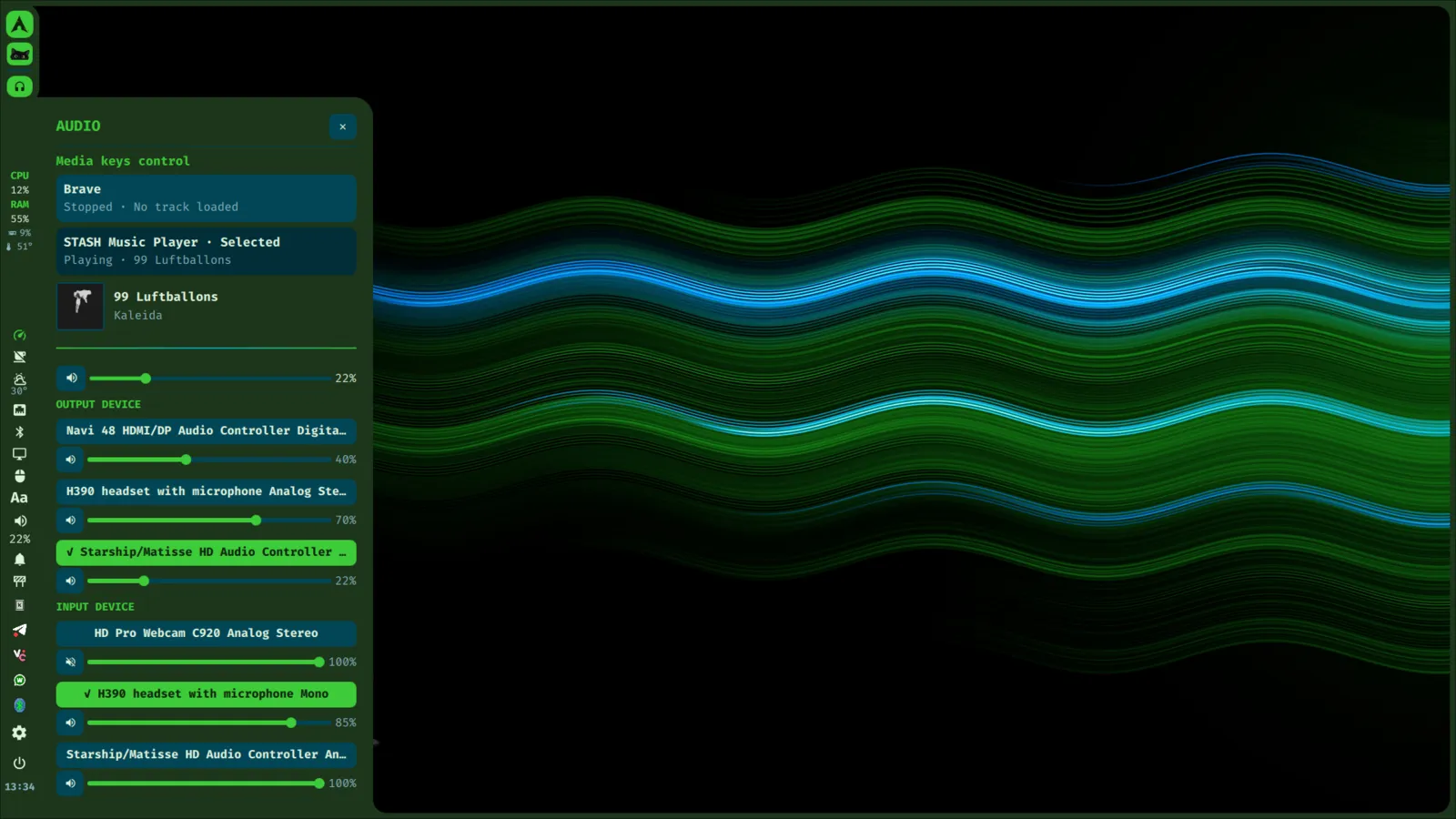
SpectrumOS desktop with its bar and Audio widget showing everyday sound controls

A widget for almost anything.

Open it from the bar or with a shortcut, take care of the task, and get back to your flow.

  • Command post

    Control Center, Dashboard, weather, calendar, battery and power profiles.

  • Sound, screens, connections

    Speakers, microphones, monitors, Wi-Fi and Bluetooth.

  • Capture and record

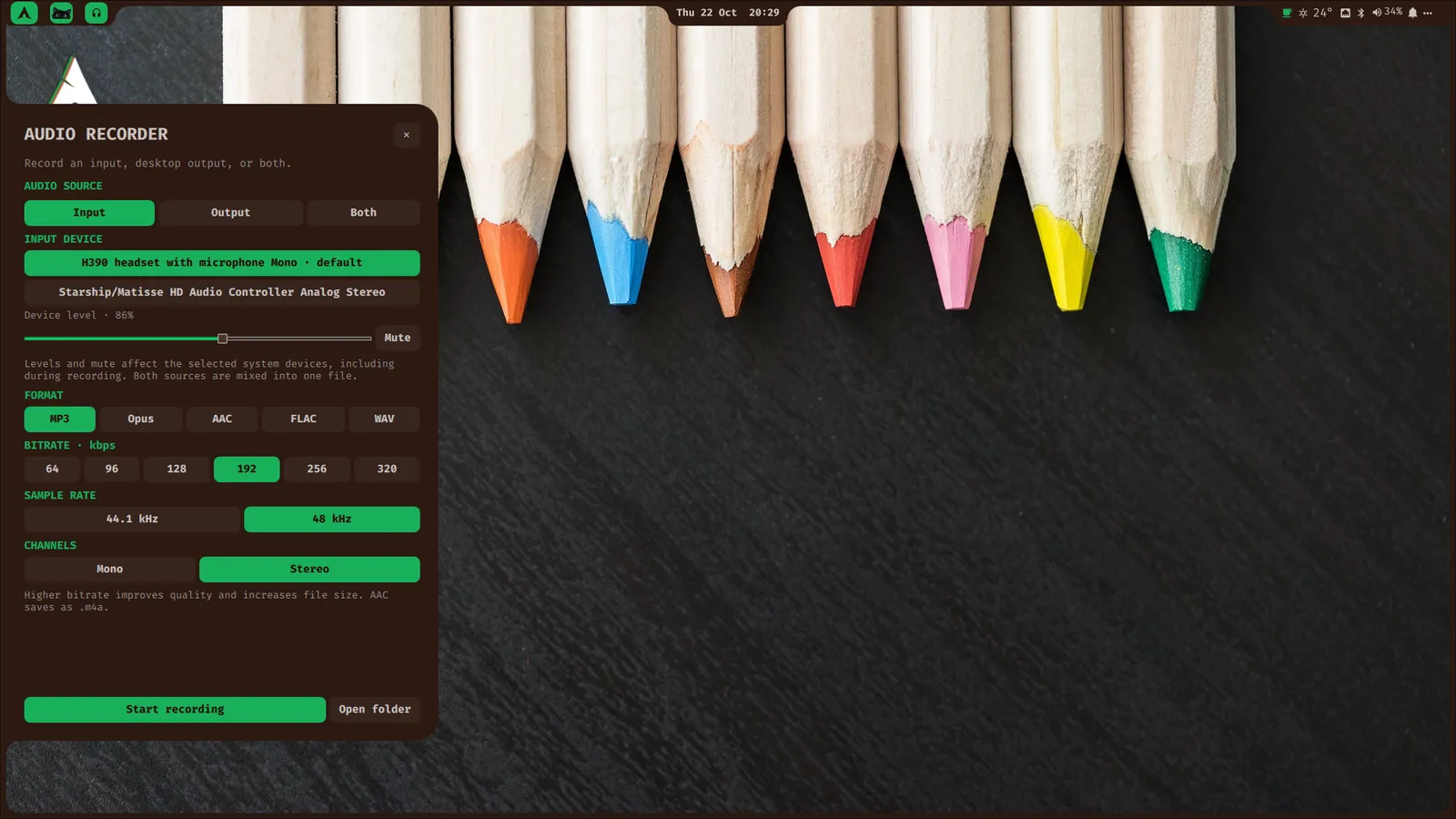
    Screenshots, screen and audio recording with visible indicators.

  • Small tools

    File search, calculator, passwords, emoji and color picker.

  • Make it yours

    Wallpapers, palettes, bar layouts, fonts, keyboard and mouse.

  • Focus and automate

    Focus timer, Questline views and HotKey sequences.

  • Share across your desk

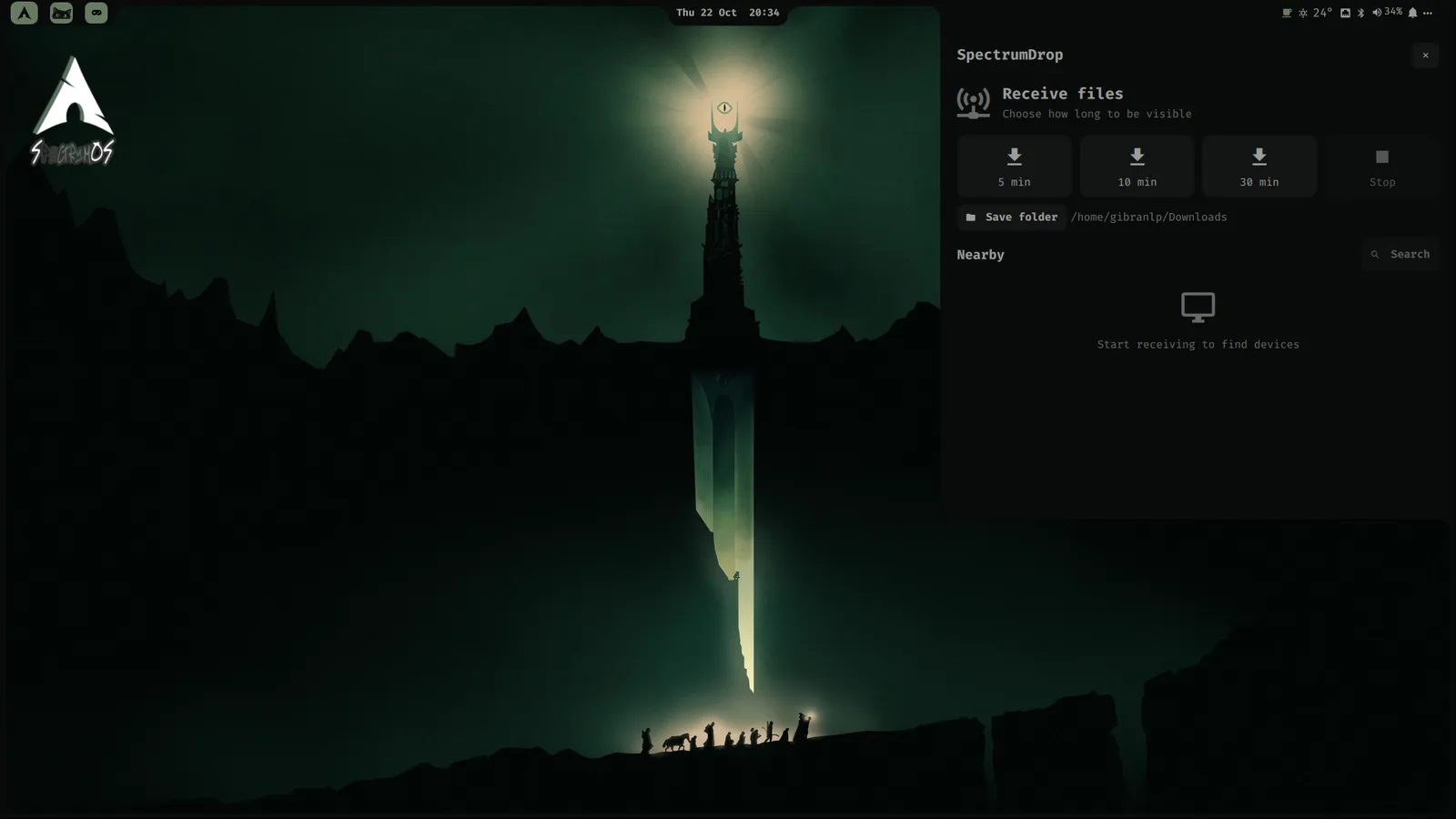
    UKVM and SpectrumDrop for the other computers nearby.

  • Update and carry on

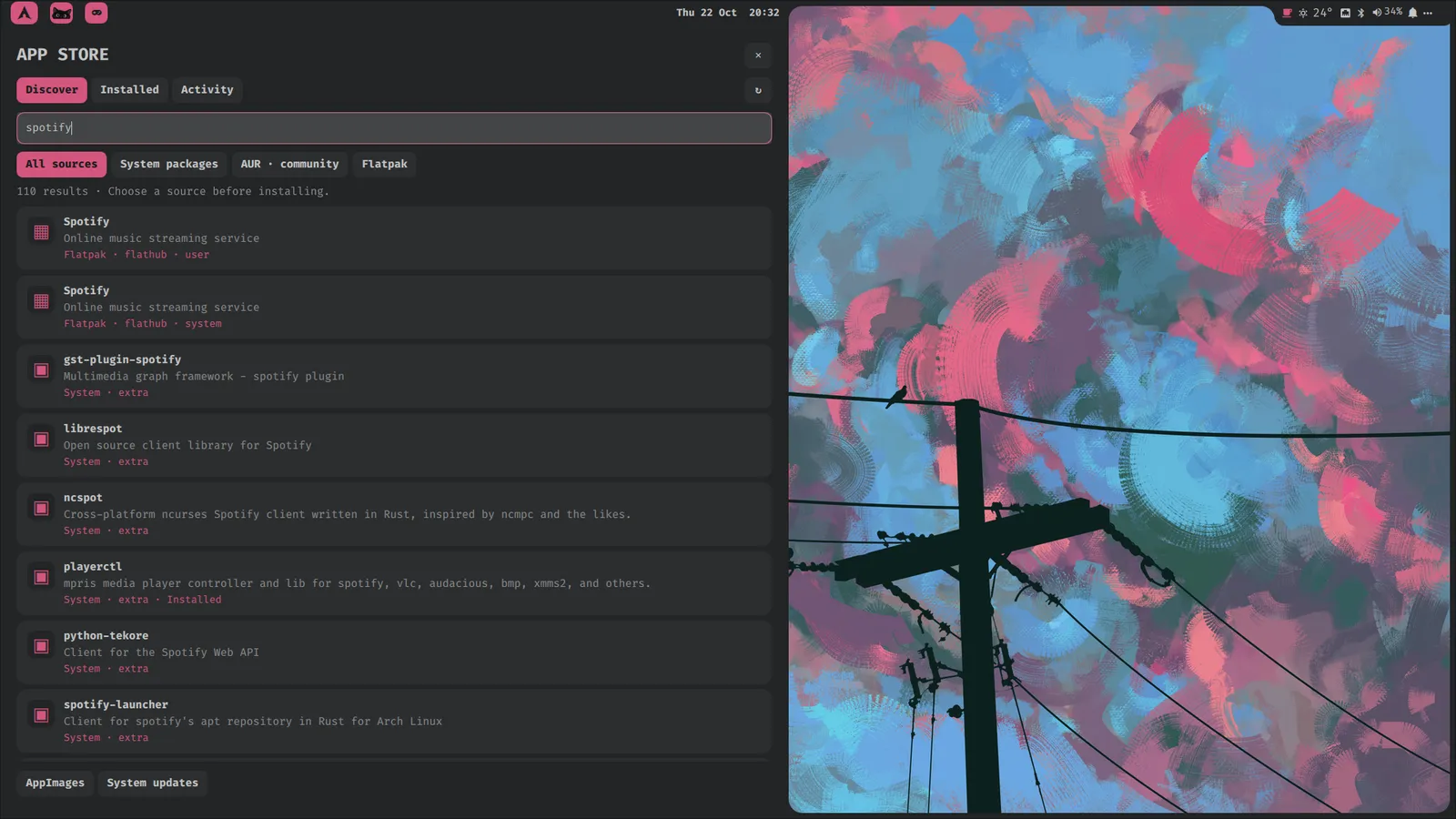
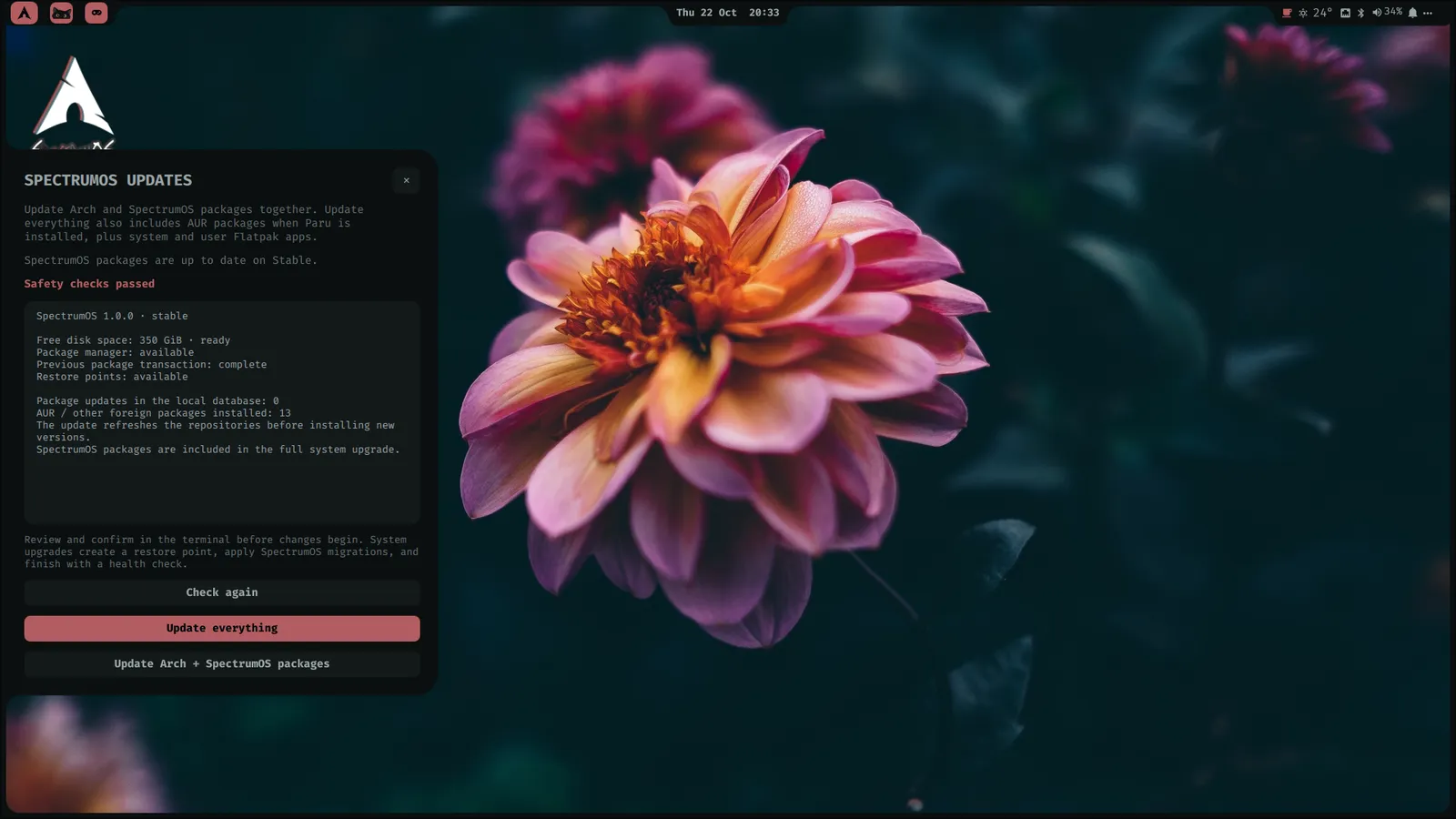
    System, AUR and Flatpak updates with restore points.

Lost in the shortcut forest? Press Super + K to see them all.

In practice

Your day has more than one kind of quest.

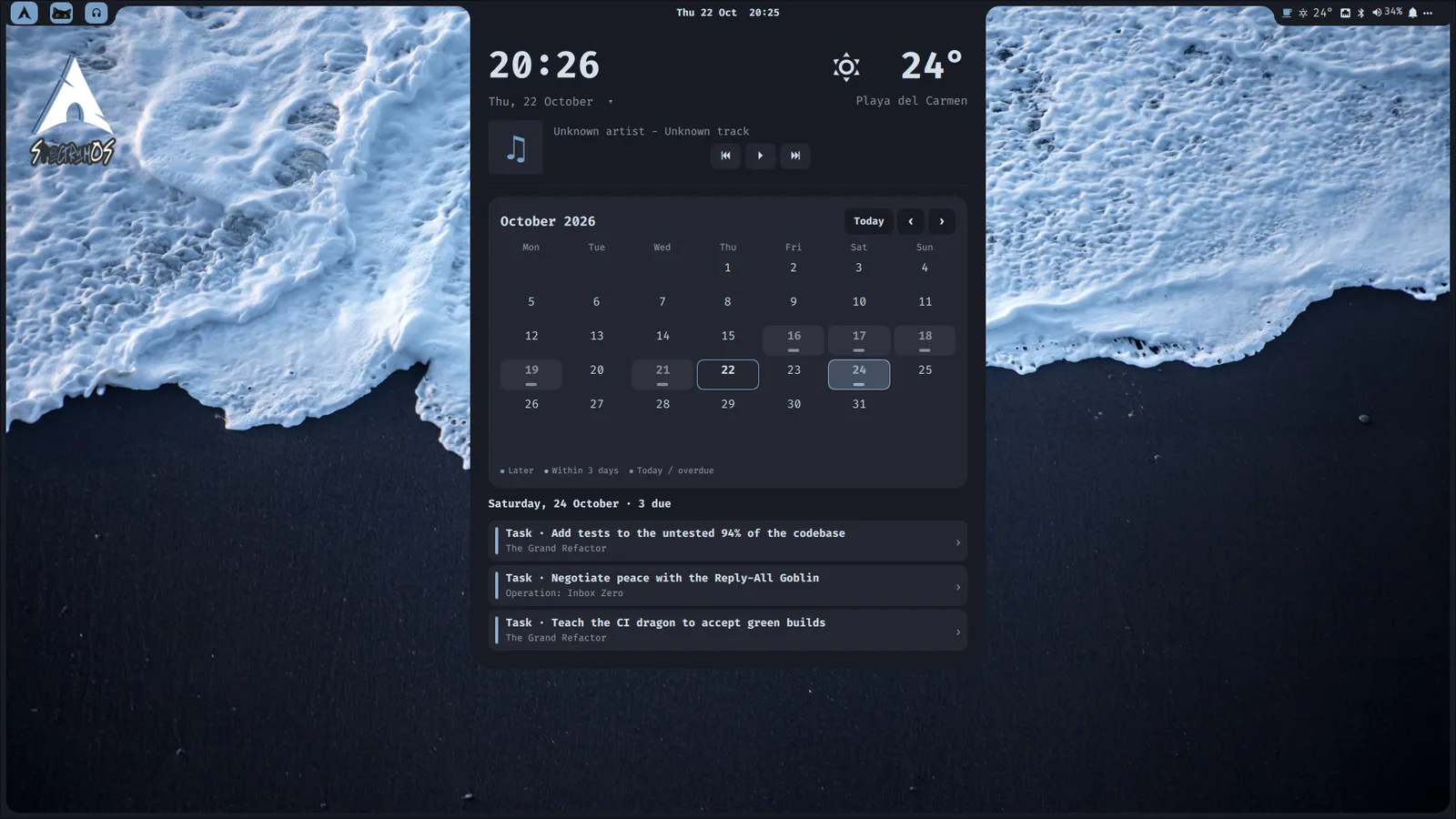
SpectrumOS Dashboard with weather, a selected calendar date, and three due Questline tasks

A calendar that knows your work.

The Dashboard links your calendar to unfinished Questline tasks. Focus sessions earn XP, Favorites keeps your portals close, and HotKey handles the repetition.

  • Agenda by date
  • Focus sessions, 5–180 min
  • Favorites & bookmarks
  • Do Not Disturb, Keep awake

Homegrown

Made here. Embedded in SpectrumOS.

Three apps we built and ship in both Full and Lean. Their colors and controls belong to the same desktop.

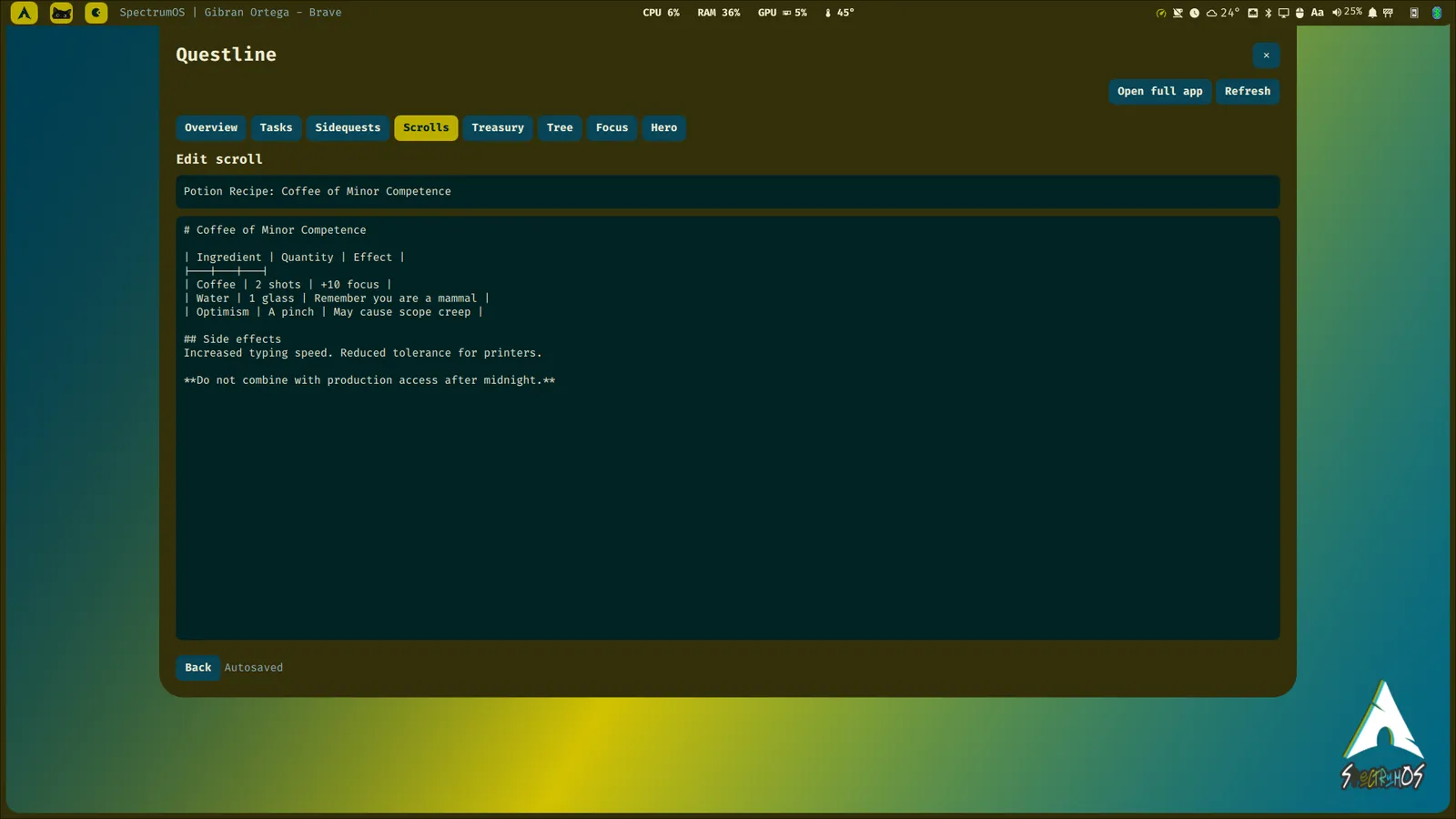
SpectrumOS Questline shell widget editing a Scroll with a project selected

Questline

The Great Backlog has acquired a health bar.

A productivity RPG: projects become Campaigns, tasks become Quests, notes become Scrolls, and finishing real work earns XP. Focus sessions, soundscapes, a Zen Tree and a Treasury for project money.

Super + Shift + Q

Source on GitHub
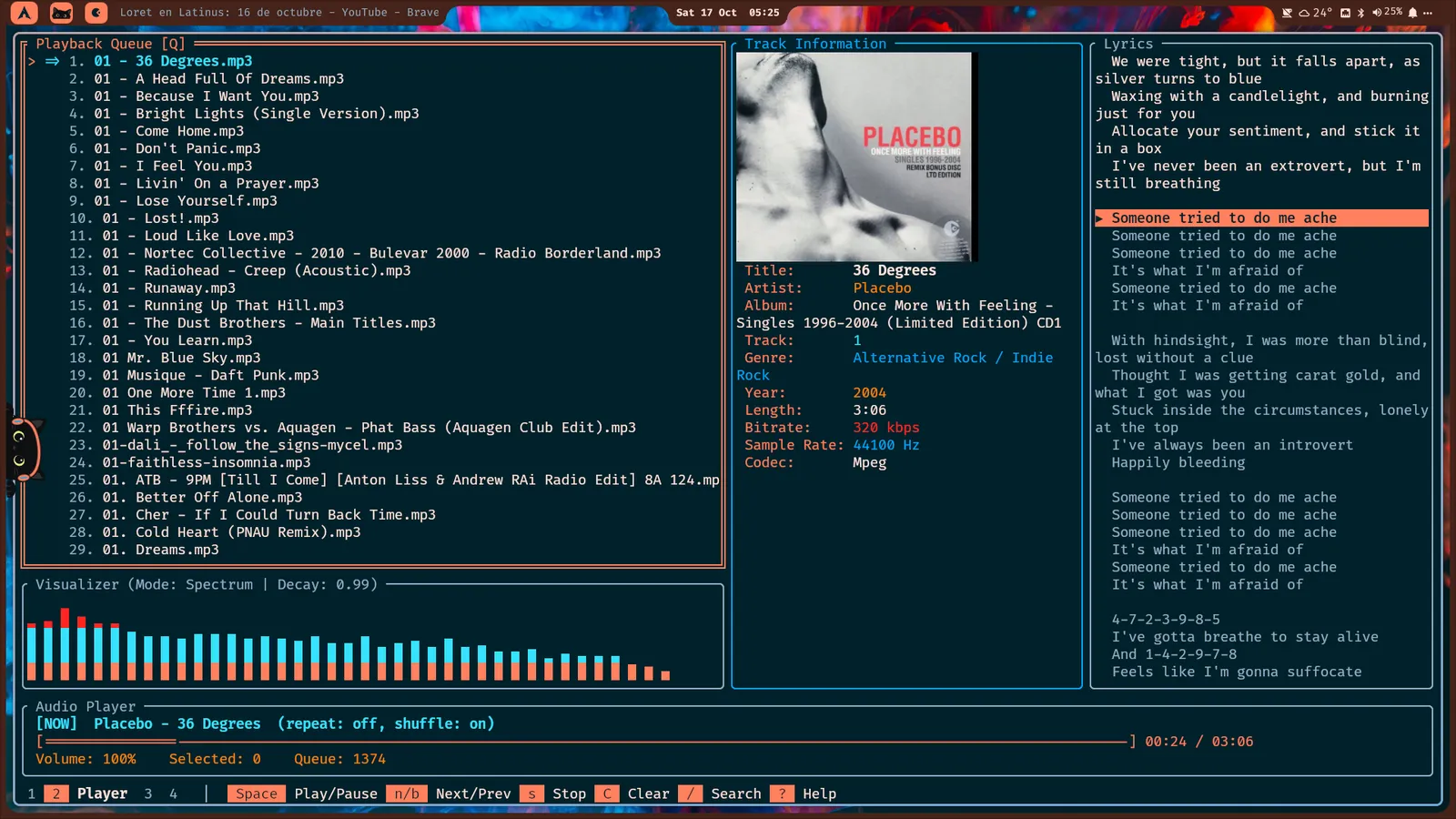
Stash music player showing tracks, album artwork, lyrics and an audio visualizer in SpectrumOS

Stash

Your files. Your music. Your soundtrack.

A fast Rust terminal app combining a music player, a searchable library and a dual-pane file browser. Lyrics, tag editing, playlists, and a Library Healer for track_07_FINAL.mp3.

stash

Source on GitHub
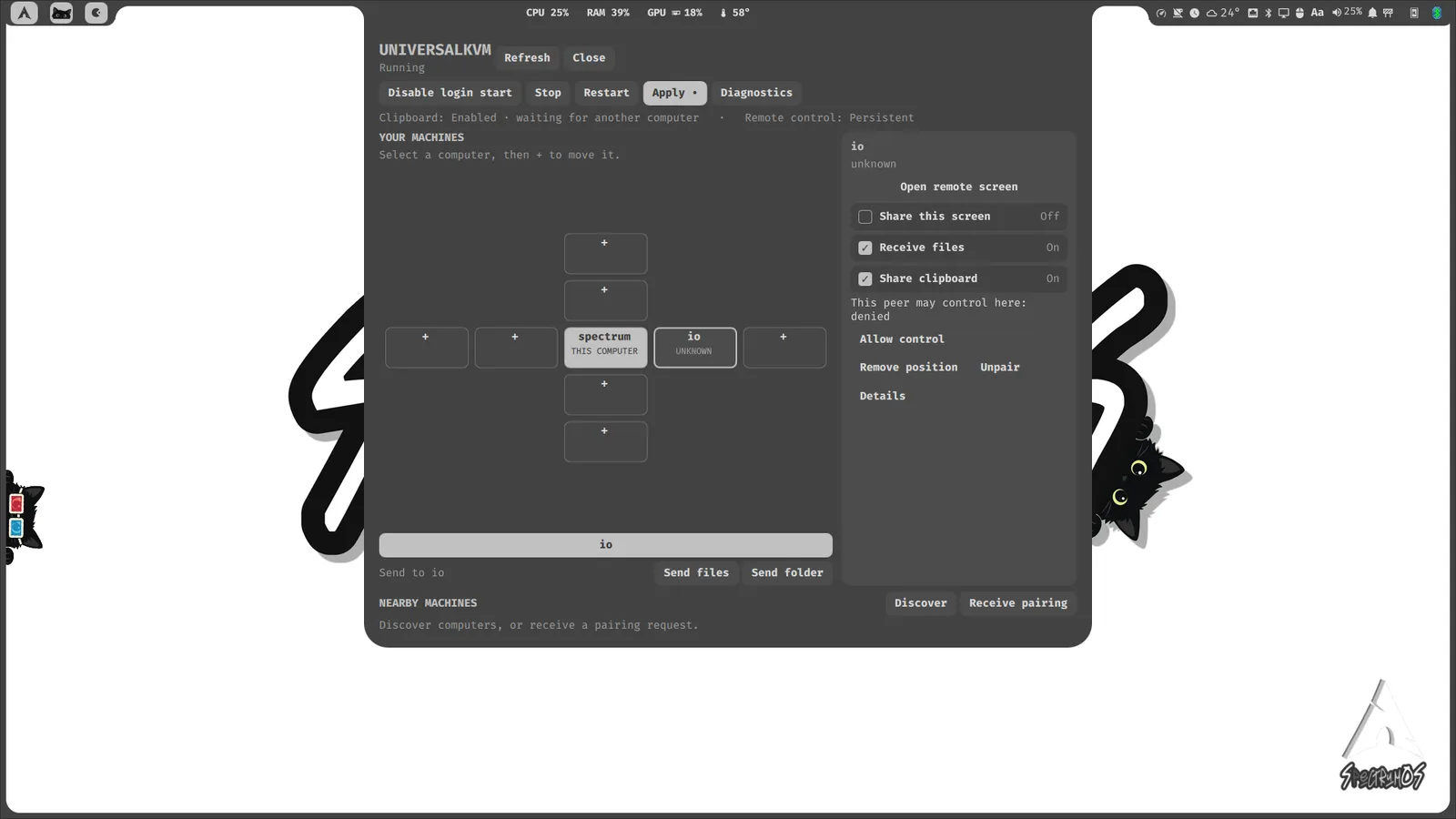
SpectrumOS UKVM widget showing paired computers, their arrangement and connection status

UKVM

One keyboard. One mouse. A bigger party.

Share a keyboard and mouse between trusted Linux computers. Verified pairing, peer placement, and opt-in clipboard and file sharing from a native widget.

Super + Shift + K

Source on GitHub

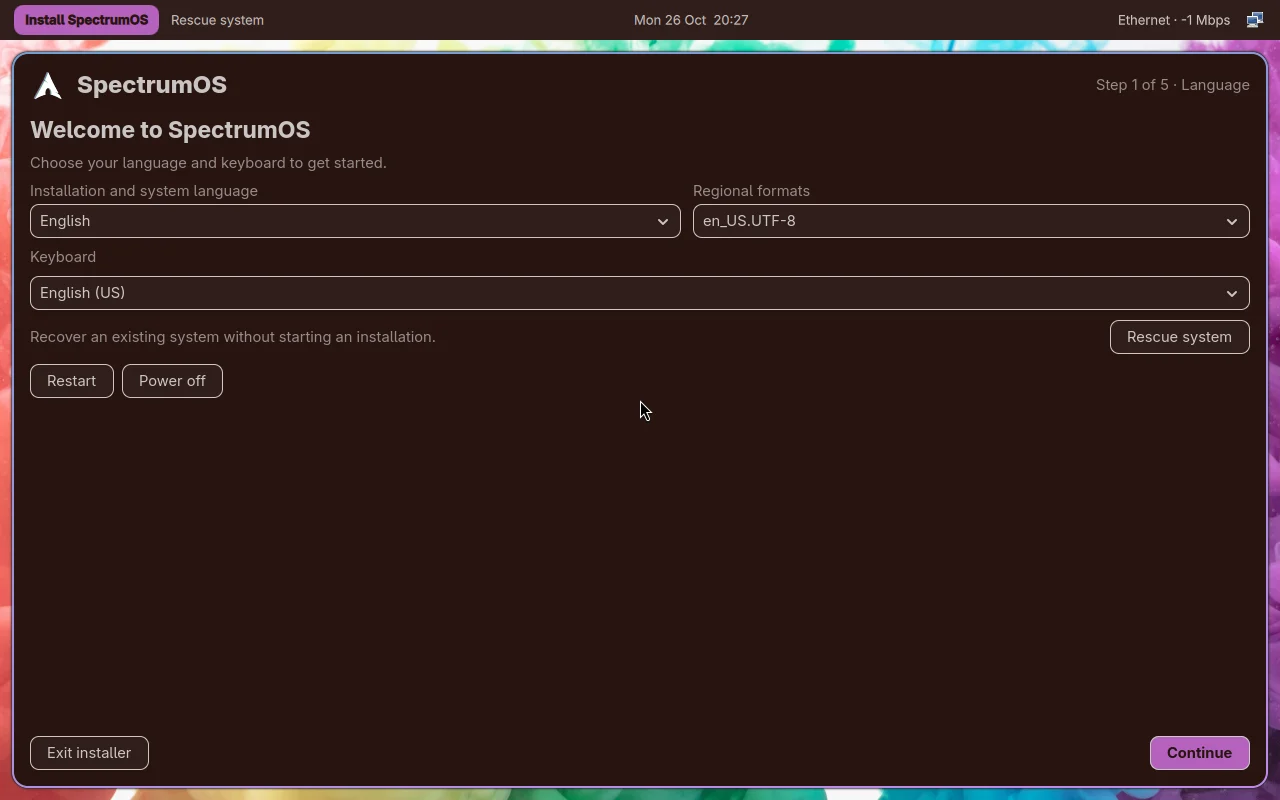
Installer

A new system, one clear step at a time.

Go back whenever you need; your choices stay in place.

SpectrumOS 1.1 installer step

Companion

Meet Igor.

Your companion through life’s quests. He drops by when he feels like it, waves hello, stretches, and occasionally decides your desktop is an excellent place for a nap. Headphones for music, glasses for movies, a headset for meetings.

“You earned XP. I earned a nap.”

Visits are optional — toggle them with Igor’s button on the bar.

Pops up from behind the bar and waves hello.

Outfit
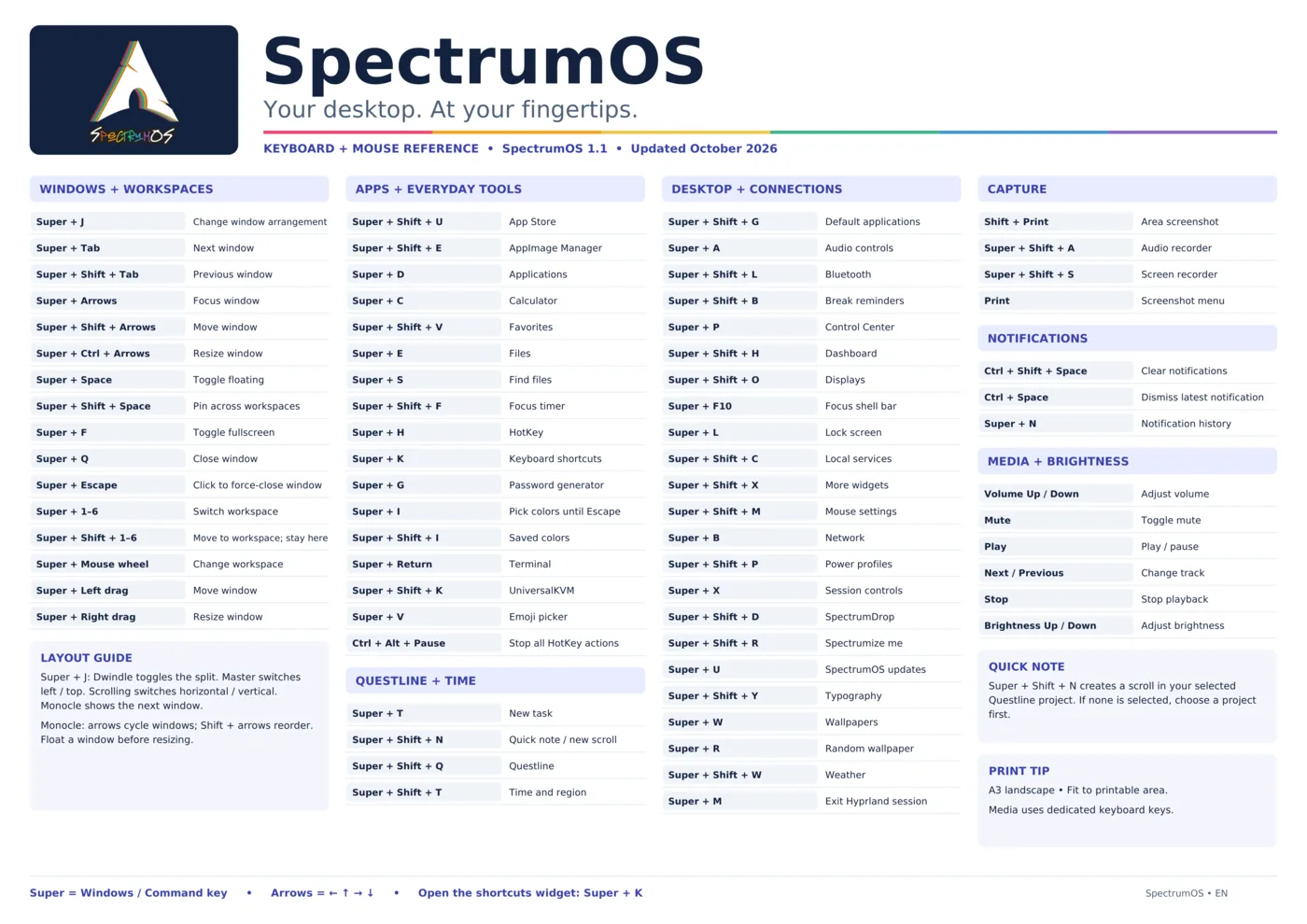
SpectrumOS keyboard and mouse shortcut poster

Your spellbook, minus the memorization exam.

Every keyboard and mouse shortcut on one A3 poster. Even heroes are allowed to check the map.

Download the poster (PDF)

Changelog

What’s new in SpectrumOS

New tools, a new Igor and a few things that should simply feel better. Existing installations receive desktop changes through the normal system update.

  • Detective Igor · Week #02

    A new permanently free outfit, selected once during November 9–15. Winter stays in the wardrobe, and your later outfit choices are respected.

  • Magnet downloads

    Search for torrents, paste magnet links and manage downloads directly from the shell. Downloads continue after closing the panel. Open it with Super + Shift + J.

  • A more useful calculator

    Unit conversions update as you type. Currency conversion shows the rate date and can reuse saved rates offline after the first successful lookup.

  • Calculator + Questline

    Keep your calculator and tasks open together, with independent focus and close controls. Panels sit side by side on wide screens and stack on smaller ones.

  • Proton VPN in Network

    Expand the Proton VPN controls to check status, connect or disconnect. Sign-in opens a terminal; country and NetShield options depend on your plan.

  • Theme fixes

    Better Discord/Vencord text contrast and more consistent appearance syncing with the desktop palette.

  • Small details, smoother desktop

    Clearer password-copy feedback, button feedback for mouse and keyboard, and screenshot notifications placed correctly for top and side bars.

  • Sleep and wake reliability

    Sleep now waits for the lock-screen notification before proceeding. New diagnostics and local sleep records help investigate wake failures and battery drain, with sleep-mode selection limited to modes exposed by the hardware. Compatibility still depends on the machine and its drivers.

  • Next ISO · live desktop

    A full desktop to try before installing, a welcome screen and an Install SpectrumOS action in the bar. These changes are planned for the next installation image.

Download

Adopt Igor.

Comes bundled with an operating system. Try SpectrumOS from a live USB and explore the desktop before installing. Your next daily driver might be one boot away.

SHA-256 8584e889efe79ae7f7df46d3ce3f5cb67e27ebbb1bdc749e01c87676bf7ce059
Release
SpectrumOS 1.1 · October 26, 2026. Full or Lean editions, both with the desktop, widgets, Stash, Questline and UKVM.
Platform
x86_64 · Btrfs · Limine bootloader
Alongside install
UEFI/GPT and at least 34 GiB of unallocated space. Existing filesystems are not resized.
Updates
Signed Stable channel, from the Updates widget or sudo pacman -Syu.

Back up important files before installing.